The Fine Line Between AI and Original Content: How Well Does Originality.AI Perform?
Originality.AI Review – A Comprehensive Tool for AI Detection and Plagiarism Checking
In an era where AI is advancing rapidly, AI writing tools have become an essential part of many content creators, marketers, and editors’ strategies. However, with the convenience of AI-generated content comes the concern about Google potentially penalizing content created solely by AI, as well as issues surrounding plagiarism. This is where Originality.AI comes in as a reliable solution to ensure your content’s originality.
Key Features of Originality.AI
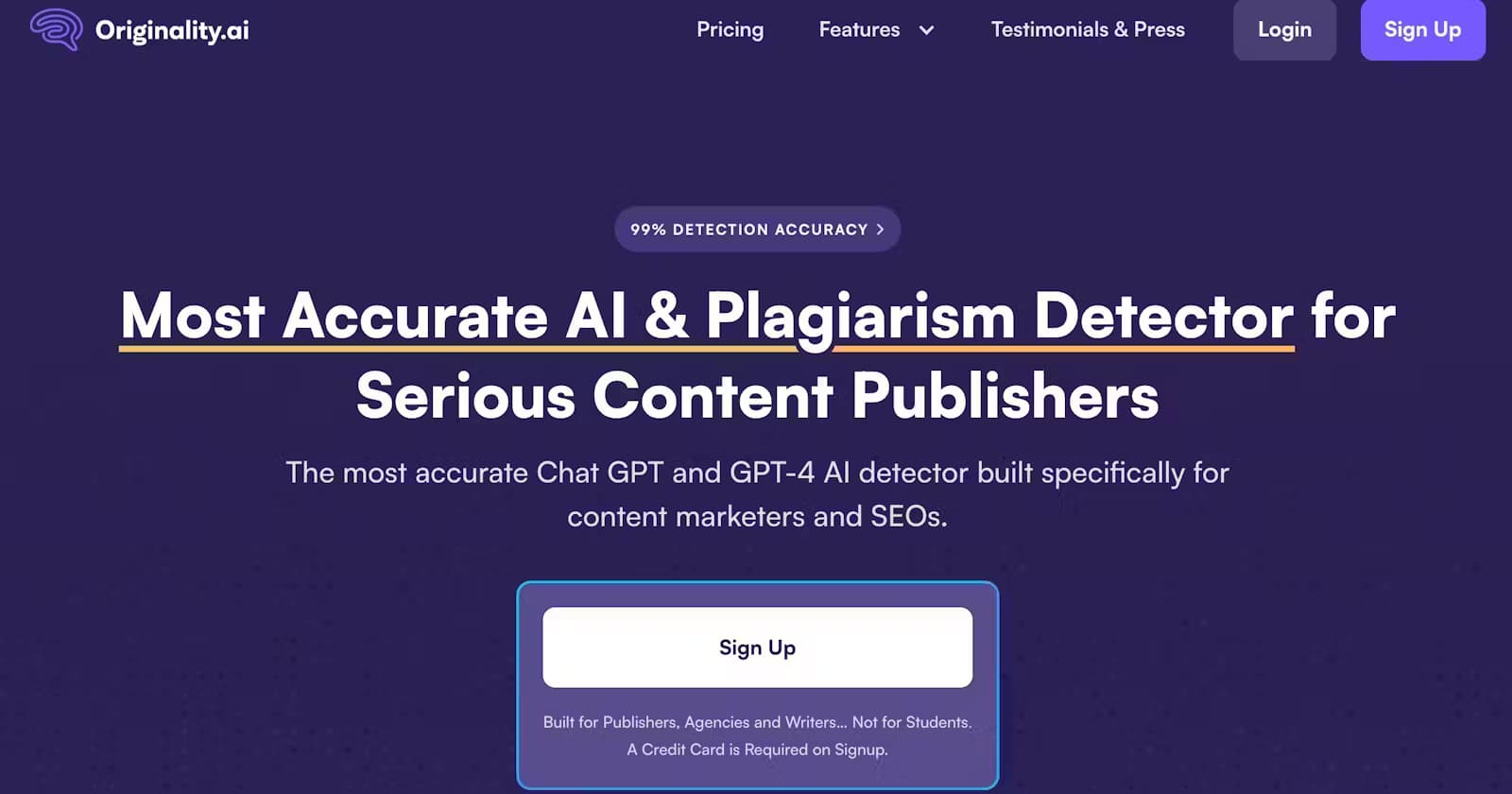
Highly Accurate AI Detection One of the standout features of Originality.AI is its ability to accurately detect content created by advanced AI models like GPT-3, GPT-4, and ChatGPT. The tool excels in identifying even rephrased or edited AI-generated text, ensuring that you know exactly which parts of your content are AI-driven. In tests, the tool’s accuracy has been reported to be as high as 99%.
Comprehensive Plagiarism Detection In addition to AI detection, Originality.AI also includes a robust plagiarism checker. It scans the content against millions of online sources, helping ensure that your work is entirely original and not copied from elsewhere. This dual functionality makes it a comprehensive tool for maintaining content integrity.
User-Friendly Interface The interface of Originality.AI is straightforward and easy to navigate. Whether you're a seasoned content creator or a newcomer, the tool’s simplicity allows you to check your content with just a few clicks. This ease of use makes it ideal for anyone, from marketers to publishers to editors.
Google Chrome Extension Originality.AI offers a convenient Google Chrome extension that allows you to check content directly from your browser. However, there have been instances where the extension does not display the full Originality score, which is a small issue that could be improved for a more seamless experience.
Organization and Customization One minor downside is that Originality.AI does not automatically assign names to scanned content, which can make managing multiple projects or articles a bit tricky. Additionally, adding a feature that allows users to upload documents and receive a detailed report would be a valuable improvement.
Pros
Extremely accurate in detecting AI-generated content and plagiarism.
Simple and intuitive user interface.
Ideal for a wide range of users, including marketers, content creators, and editors.
Cons
Chrome extension needs improvement to show the complete Originality score.
Lack of auto-naming for scanned content.
No option to upload documents and receive a more detailed report directly.
Conclusion
Originality.AI is a powerful tool for anyone looking to safeguard the originality of their content in the age of AI. While there are a few areas for improvement, its high accuracy in detecting AI-generated text and plagiarism, coupled with its user-friendly interface, makes it an essential tool for content creators. It’s a reliable solution for anyone serious about maintaining content integrity and ensuring their work meets the highest standards.