How does Hemingway Editor work?
Hemingway Editor Review: A Powerful Tool for Clear and Concise Writing
In today’s digital tools and technology world, writers often struggle to find the right tools that can genuinely improve their craft. One tool that stands out among the crowd is the Hemingway Editor. Named after the famous author Ernest Hemingway, this editing app promises to make your writing "bold and clear" by focusing on clarity and readability. But does it truly live up to its promise? Let’s dive deeper into what Hemingway Editor offers and whether it’s the right fit for you.
What is Hemingway Editor?
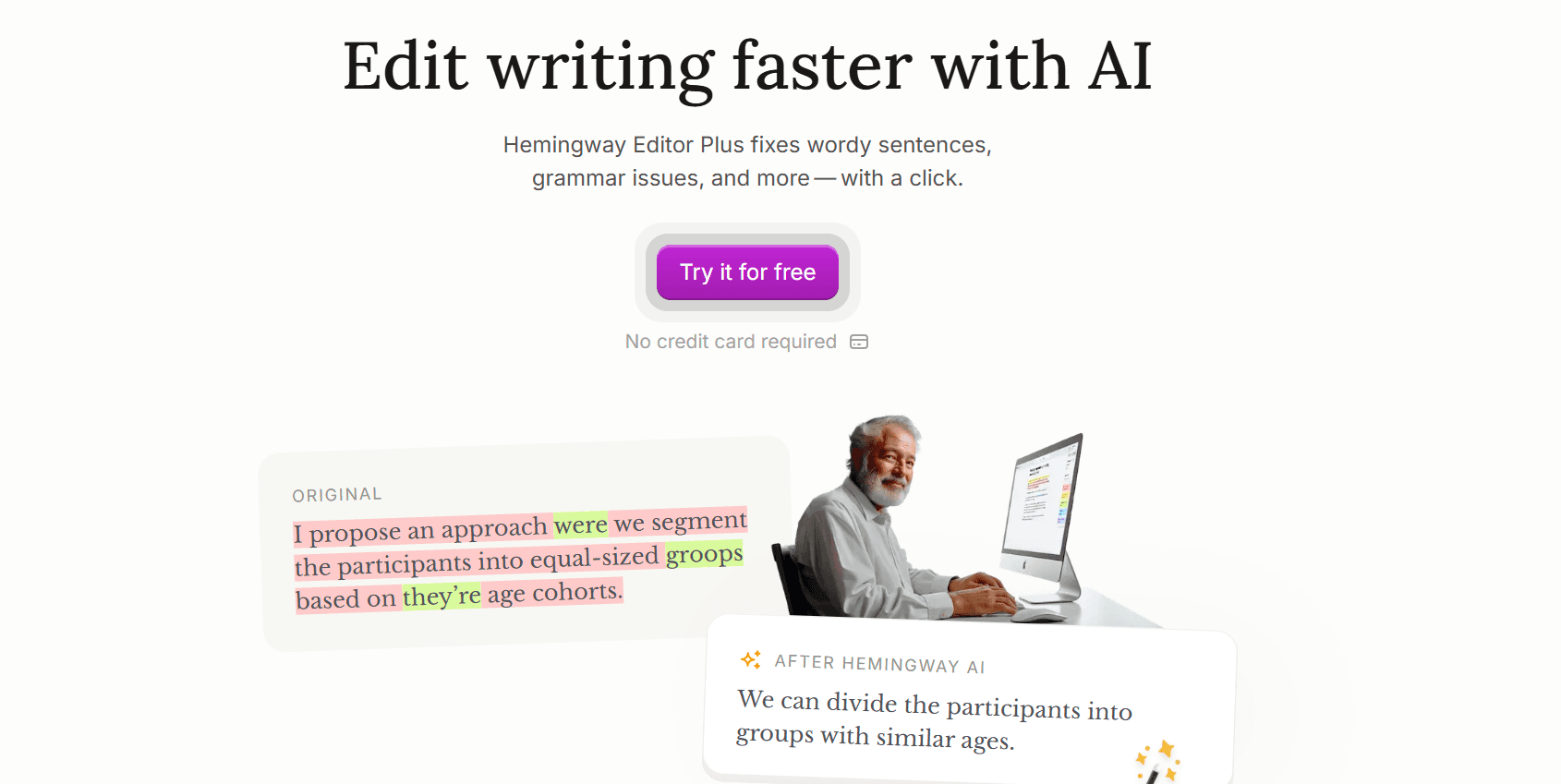
Hemingway Editor is an editing tool designed to help writers refine their text by identifying common errors and improving sentence structure. The tool uses color-coded highlighting to flag areas that need attention, making it easy to see where improvements can be made at a glance. Whether you're a novice writer or an experienced author, Hemingway promises to help make your writing more direct, clear, and engaging.
There are two versions of Hemingway Editor:
Free Online Version: Accessible directly through a web browser.
Paid Desktop Version: A downloadable app available for a one-time fee, offering offline functionality and additional features.
Key Features and How It Works
Hemingway Editor analyzes your writing and highlights specific elements that can be improved. These include:
Adverbs (Blue): The tool flags the overuse of adverbs and suggests a more concise alternative. It encourages you to eliminate unnecessary adverbs, as they can make writing weaker and less direct.
Passive Voice (Green): Hemingway identifies instances of passive voice and suggests switching to the active voice, which is often more dynamic and clear.
Long Sentences (Yellow/Red): Too long or complex sentences are flagged in yellow or red. Hemingway encourages breaking them down into shorter, simpler sentences to improve readability.
Complex Words (Purple): If a word or phrase could be simplified, Hemingway highlights it in purple and suggests easier alternatives.
Readability Score: The app provides a readability score, helping you assess how accessible your writing is to a general audience.
The online version of Hemingway Editor offers all these basic functions for free. You can simply copy-paste your text into the tool and start editing. The desktop version adds features such as offline access, direct publishing to WordPress, and the ability to export text as a PDF with highlighted changes.
Pros of Using Hemingway Editor
User-Friendly Interface: Hemingway’s minimalistic design makes it incredibly easy to use. There’s no learning curve; if you can copy and paste, you can immediately start using Hemingway.
Affordable: The online version is free, and the paid desktop version is a one-time payment of just $19.99. This is an excellent value for its features, especially for writers looking for a quick and efficient editing tool without breaking the bank.
Improves Clarity and Readability: Hemingway Editor is designed to help you write more clearly and concisely. Eliminating unnecessary words, simplifying complex sentences, and encouraging active voice help ensure that your writing is crisp and easy to understand.
Offline Functionality (Paid Version): The desktop version of Hemingway allows you to write and edit offline, making it a great choice for writers who need to work without distractions or without an internet connection.
Direct Publishing: You can publish your work directly to platforms like WordPress from the app, streamlining the publishing process for bloggers and content creators.
PDF Export: The desktop version also lets you export your work as a PDF while retaining all the color-coded suggestions, making it a useful tool for sharing edits with others.
Cons of Using Hemingway Editor
Limited Functionality: While Hemingway Editor is excellent for improving readability and clarity, it’s not as comprehensive as other writing tools. It doesn’t offer in-depth grammar analysis or explanations like some alternatives.
Style-Specific: Hemingway’s recommendations may not suit every writer’s style. If you prefer a more complex or poetic style, Hemingway’s focus on simplicity might feel restrictive.
Not a Replacement for Professional Editing: While Hemingway is an excellent tool for spotting stylistic errors, it cannot replace the expertise of a professional editor. It’s best used as an aid, not as a complete editing solution.
All-or-Nothing Approach: Hemingway doesn’t account for intentional stylistic choices. If you deliberately break writing conventions for effect (e.g., using a long sentence for emphasis), the app will flag it, which may not always align with your creative goals.
Alternatives to Hemingway Editor
While Hemingway is a great tool for improving readability and clarity, some writers may want more advanced features. Here are a couple of notable alternatives:
ProWritingAid: This tool offers more detailed feedback and analysis than Hemingway. It includes everything from grammar checks to in-depth style suggestions, and it even integrates with word processors like Microsoft Word and Google Docs. However, it comes at a higher price.
Grammarly is one of the most popular writing assistants. It offers advanced grammar checks, style improvements, and plagiarism detection. It integrates with web browsers and word processors but is also more expensive than Hemingway.
Who Should Use Hemingway Editor?
Hemingway Editor is perfect for writers looking to make their writing clearer, more concise, and easier to read. It’s ideal for:
Bloggers and content creators who need to produce web-friendly, engaging content.
Self-published authors who want to polish their work without the expense of a professional editor.
Students and novice writers who need help identifying and correcting common writing issues like passive voice, long sentences, and unnecessary adverbs.
Conclusion: Is Hemingway Editor Worth It?
In conclusion, Hemingway Editor is a highly effective and affordable tool for improving clarity and readability in writing. Its minimalist interface, ease of use, and focus on stylistic improvements make it a standout option for those who want to write more clearly and concisely. While it doesn’t offer the depth of analysis found in more advanced tools like ProWritingAid or Grammarly, its simplicity and low cost make it an excellent choice for many writers, especially those looking for a quick and reliable way to improve their style.
If you’re a writer looking to refine your craft without being bogged down by complex features, Hemingway Editor is worth checking out. Try the free online version to see if it fits your needs, and if you like it, consider upgrading to the desktop version for added features like offline use and direct publishing.
Ultimately, Hemingway Editor is a tool designed to help you write better, faster, and more confidently, whether you’re drafting a blog post, a novel, or a business email.